Choose the Right Space and Acoustic Treatment
The foundation of any great recording session is the room itself. A small, windowless bedroom can work wonders if you treat the surfaces correctly. Begin by eliminating external noise—move the room far from traffic and street traffic if possible. A well‑chosen space can compensate for a modest budget, especially when you use DIY acoustic panels.
Acoustic treatment doesn’t have to mean expensive foam. DIY solutions like hanging blankets, moving sofa cushions, or even building your own bass traps from inexpensive materials can drastically improve sound quality. Use a combination of diffusion and absorption: placing bookshelves, curtains, and DIY panels at strategic points will keep reflections in check and give you a clean listening environment.
Room Acoustics on a Budget
- Blanket and carpet tricks: Hang thick blankets on walls and carpets to dampen echo.
- DIY bass traps: Cut 6–8 inches of wood, fill with insulation, and place in corners.
- Strategic placement: Position your main recording area 1–2 feet away from reflective surfaces.
Essential Gear on a Budget
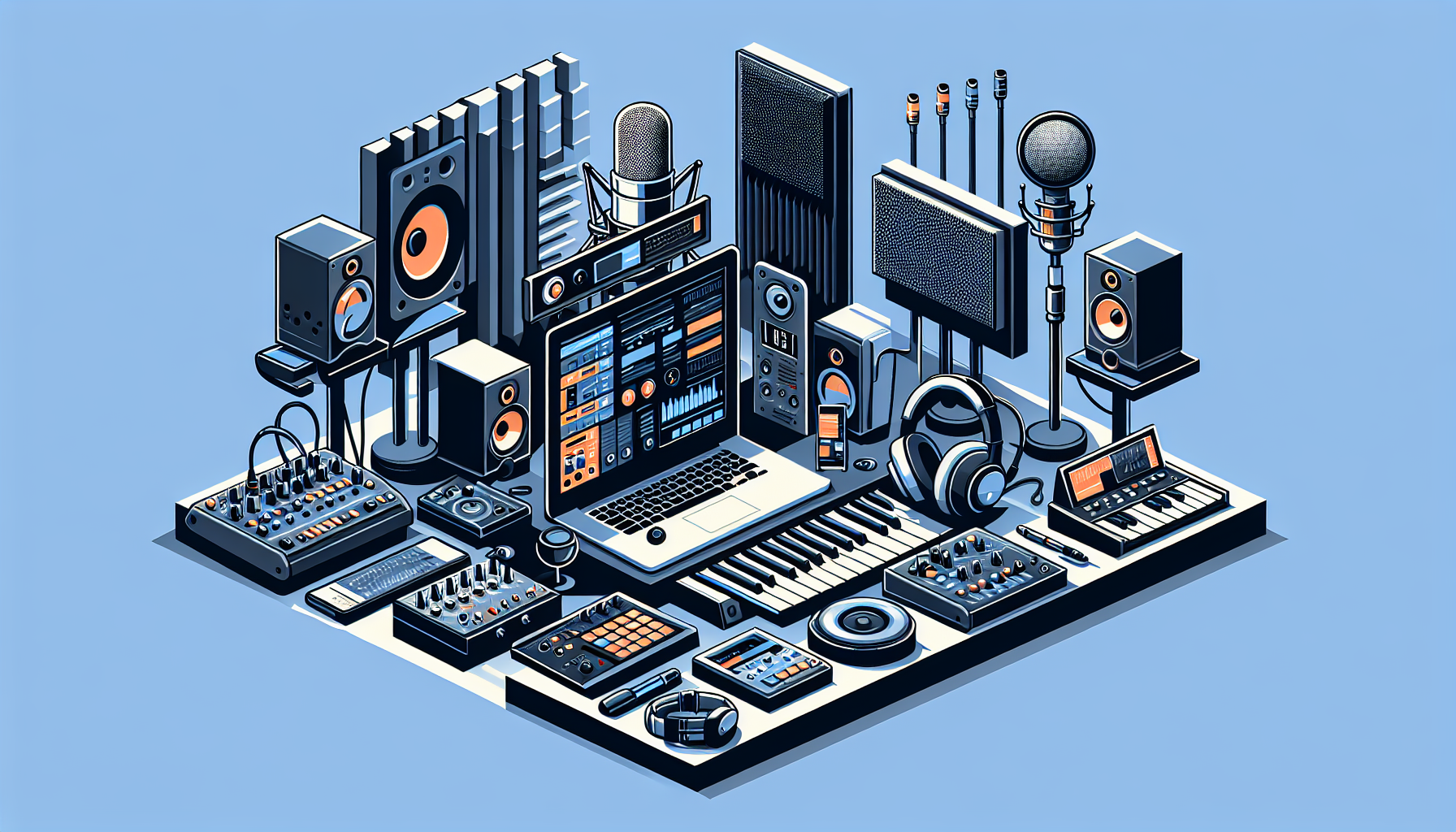
Your equipment list is the heart of your home studio. While top‑tier gear can cost a fortune, many budget‑friendly options deliver professional sound when used wisely. Focus first on the three core components: microphone, audio interface, and studio monitors.
Microphones
A good microphone is indispensable. The Audio-Technica AT2020 offers excellent clarity for a fraction of the cost of high‑end models. It’s a cardioid condenser that works wonders for vocals and acoustic instruments. For a more affordable option, the Shure SM58 is a dynamic mic that excels in live and vocal applications.
Audio Interface
The audio interface acts as the bridge between your microphone and computer. Look for models with low latency and solid preamps. The Focusrite Scarlett 2i2 provides superb audio quality and is often priced around $170. For an even tighter budget, consider the Behringer U-Phoria UM2, which delivers good performance for under $60.
Studio Monitors
Monitoring is where many budget studios fall short. Affordable yet reliable options include the PreSonus Eris E3.5 or the Mackie CR3-X. Pair two monitors to create a stereo field and ensure accurate sound reproduction. Don’t forget a small subwoofer or a bass‑boosted monitor if you’re working with low frequencies.
Affiliate links:
Monitors
- PreSonus Eris E3.5: Accurate, compact, budget‑friendly.
- Mackie CR3-X: Great sound and versatility for under $150.
Affordable Recording Software and Plugins
Your digital audio workstation (DAW) is the software brain of your studio. Many DAWs are free or inexpensive, and plugin libraries can be acquired at a fraction of the price of premium suites.
DAWs
- Cakewalk by BandLab: Free, full‑featured, Windows only.
- Tracktion T7: Free, cross‑platform, surprisingly powerful.
- Reaper: $60 for a discounted license, $225 for commercial use. It’s lightweight and endlessly customizable.
Plugins
While stock plugins in most DAWs are adequate, a few budget options can elevate your mixes. The TDR Nova from Tokyo Dawn Records is a free dynamic equalizer that rivals commercial products. TDR Kotelnikov is a free compressor that’s surprisingly transparent.
Affiliate links:
Free Resources
- Splice offers a free trial for samples and loops. Use the Splice library to add high‑quality sounds without breaking the bank.
- Epidemic Sound: While a subscription service, it provides a vast library of royalty‑free tracks that can be used for backing tracks or inspiration.
Smart Online Resources and Learning
A budget studio isn’t just about cheap gear; it’s also about knowledge. Online tutorials, forums, and communities can drastically improve your workflow and save you money on hiring professionals.
- YouTube: Channels like Recording Revolution and Produce Like A Pro give in‑depth, free tutorials.
- Reddit: Subreddits such as r/audioengineering and r/WeAreTheMusicMakers offer peer advice and gear reviews.
- Fiverr: When you need a quick mix or mastering, a Fiverr gig can cost as little as $20, and the platform hosts many highly rated freelancers. Explore the Fiverr marketplace for affordable audio services.
Affiliate links:
Building a Knowledge Base
- Watch a video tutorial before purchasing a new piece of gear.
- Join a local recording group or online community to stay updated on best practices.
- Keep a learning log of what techniques work best for your style.
Build, Test, and Optimize Your Setup
Once you’ve assembled your gear, it’s time to test and refine. Begin by recording a short demo track, then assess the audio quality and any unwanted noise. Use a metronome to check latency and make sure the interface and DAW are properly configured.
Calibration
- Run a frequency sweep to calibrate your monitors. Use a tool like the free Furman plugin or Waves’ Tune My Audio to match levels.
- Set your room’s acoustic treatment: add or reposition panels if you notice harsh reflections or standing waves.
Signal Flow
Ensure a clean signal path: Mic → Interface → DAW → Monitor. Avoid unnecessary cables and devices that can introduce noise. Use quality cables (often under $20) and keep them short to reduce interference.
Pros and Cons of a Budget Home Studio
| Pros | Cons |
|——|——|
| Lower upfront cost | Limited gear choices |
| Flexible learning curve | Potential acoustic limitations |
| Scalable upgrades | May need to DIY treatment |
| Creative control | Possible audio quality trade‑offs |
FAQ
Q: How much should I realistically budget for a home studio setup?
A: A solid starting point is $800–$1,200, covering a microphone, audio interface, monitors, acoustic treatment, and a DAW. Many creators stretch this further with used gear or by building acoustic panels themselves.
Q: Do I really need studio monitors, or can I use headphones?
A: While high‑quality headphones are useful for editing, studio monitors provide a more accurate stereo image and are essential for mastering and mixing. You can start with affordable monitors and upgrade later.
Q: What’s the best way to treat a small apartment for recording?
A: Use a combination of DIY acoustic panels, blankets, curtains, and room‑size bass traps. Place monitors 1–2 feet from walls, and consider a portable foam isolation arm to cradle your mic.
Conclusion
You don’t need a multi‑million‑dollar studio to produce professional‑sounding music. By strategically choosing budget gear, applying effective acoustic treatment, and leveraging free and affordable software, you can create a space that empowers your creativity. Start today—set up your own studio, record your first track, and share your music with the world. If you’re ready to take the next step, consider distributing your tracks with DistroKid for only $19.99/month and reach millions of listeners worldwide. Happy recording!