AI Mastering Tools Free vs Paid: Which Is Best for Your Tracks?
1. What Is AI Mastering and Why It Matters
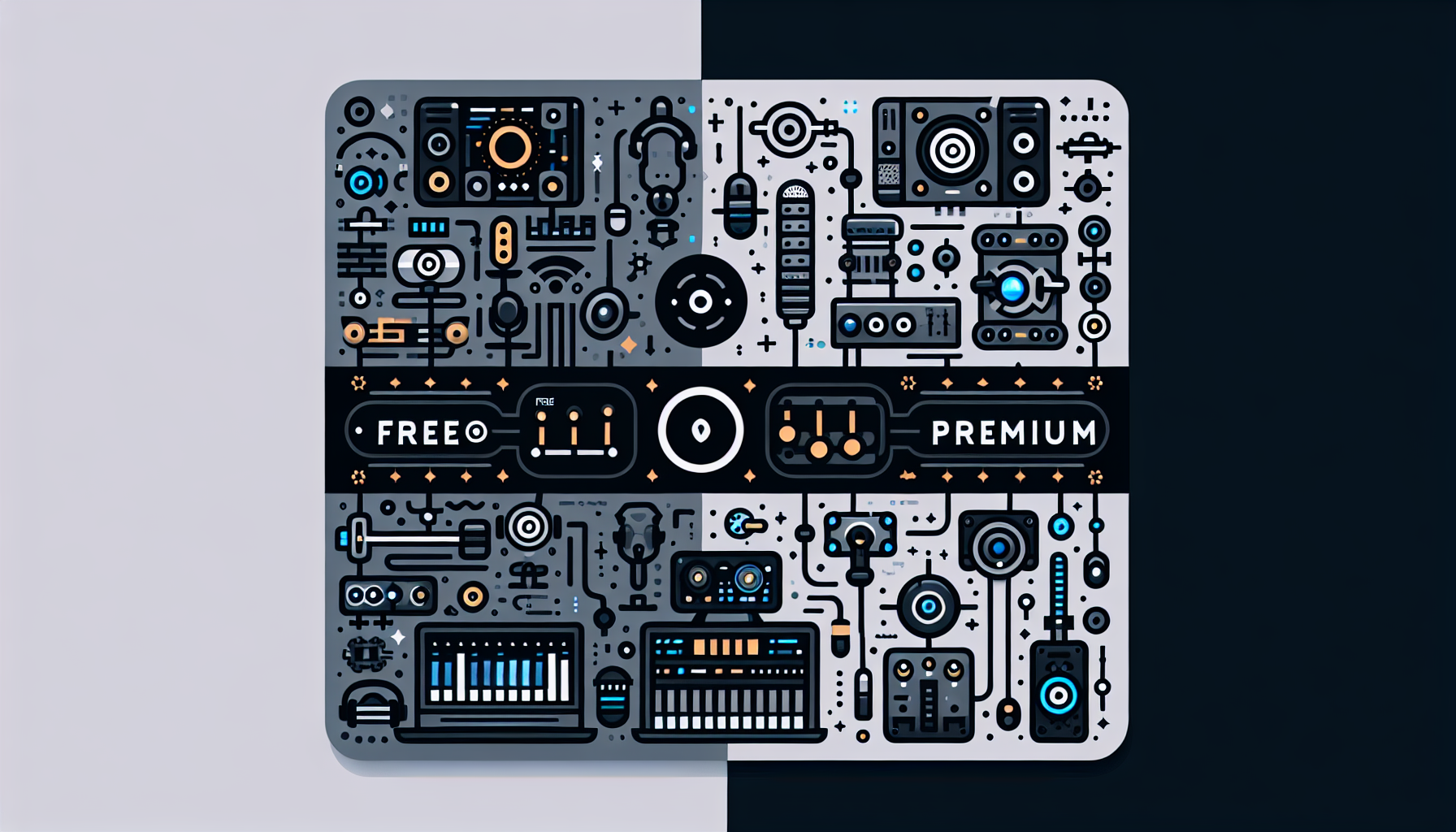
Artificial intelligence mastering is the automated process of polishing a track—adjusting levels, EQ, compression, and loudness—to make it sound professional and radio‑ready. Unlike traditional mastering, AI can analyze dozens of reference tracks and apply sophisticated algorithms in seconds, making high‑quality mastering accessible to independent artists.
- Speed: Master your song in minutes instead of hours.
- Consistency: Every track receives the same quality of processing.
- Cost‑effective: No need to hire a mastering engineer for every project.
Yet, AI mastering tools vary widely. Some are free with limited features; others are paid subscriptions that promise studio‑grade output. Understanding the trade‑offs will help you decide which route fits your workflow and budget.
2. Free AI Mastering Tools: Features & Limitations
Popular Free Options
- LANDR Free Tier – Offers basic AI mastering with a 10‑second preview and limited export quality.
- OcenAudio + AI Plugins – A free DAW combined with free mastering plugins that use AI‑based presets.
- Audio‑Slicer’s AI Mastering Demo – Free web service with 3‑track limitation per month.
These tools are great for quick checks or when you’re on a tight budget. They often provide a preview that lets you compare your track to a reference before deciding whether to upgrade.
Common Drawbacks
- Limited Export Quality – Most free versions restrict bit depth or sample rate.
- Watermarks or Usage Caps – Some platforms add a small watermark or limit how many tracks you can master per month.
- Less Fine‑Tuning – Advanced settings like mid/side EQ or stereo imaging are often locked behind paid tiers.
If you’re experimenting or producing demo tracks, a free tool can get the job done. But for professional releases, you’ll likely hit the ceiling of what free AI mastering can deliver.
3. Paid AI Mastering Services: Premium Power
Top Paid Options
- LANDR Pro – Monthly subscription grants unlimited masters, higher resolution exports, and priority processing.
- iZotope Ozone Cloud – Offers a cloud‑based AI mastering engine with industry‑grade presets and deep customization.
- CloudBounce Pro – Includes adjustable loudness targets and a quick “smart” EQ mode for a polished final mix.
Subscription Models
- Monthly Plans – Ideal for artists who release multiple tracks per year.
- Per‑Track Purchase – Pay a one‑time fee for each master if you release sporadically.
Paid services generally deliver studio‑quality output, higher bit depths (24‑bit, 192 kHz), and advanced control over tonal balance and dynamics. They often support batch processing, allowing you to master an entire album in a single workflow.
4. Choosing the Right Tool: Factors to Consider
Workflow Integration
- DAW Compatibility – Ensure the tool works seamlessly with your favorite DAW (e.g., Ableton Live, Logic Pro).
- Export Formats – Look for WAV, AIFF, or MP3 outputs with adjustable sample rates.
Budget & ROI
- Upfront Costs – Free tools cost nothing but may require time to compensate for limited features.
- Subscription Value – A paid plan might seem pricey, but consider the long‑term savings of not hiring an engineer for every release.
Quality Expectations
- Genre‑Specific Mastering – Some AI engines specialize in certain styles (electronic, hip‑hop, pop).
- Fine‑Tuning Needs – If you need precise control over mids, highs, and stereo width, a paid option is usually better.
Community & Support
- Customer Service – Paid services often offer email or chat support, whereas free tools may rely on forums.
- Learning Resources – Tutorials and documentation help you make the most of advanced features.
When you evaluate these criteria, you’ll find the perfect balance between cost and creative control.
5. Pros and Cons
Pros
- Free AI Tools
– No financial commitment.
– Quick trial to gauge effectiveness.
– Accessible for beginners and hobbyists.
- Paid AI Tools
– Higher resolution and customizable settings.
– Consistent, professional‑sounding masters.
– Unlimited usage and batch processing.
Cons
- Free AI Tools
– Export limits and lower quality.
– Limited control over processing parameters.
– Potential watermarks or caps.
- Paid AI Tools
– Ongoing subscription costs.
– Learning curve for advanced settings.
– Some platforms lock features behind paywalls.
Balancing these pros and cons will guide you toward the right tool for your specific needs.
6. Bonus Tips for Maximizing Your Mastering Experience
- Use a Reference Track – Have a professionally mastered song in the same genre ready for comparison.
- Check Loudness Levels – Ensure your master meets streaming platform standards (typically -14 LUFS for Spotify).
- Add a Post‑Master EQ – A small tweak can help a mastered track sit better in your mix.
- Leverage Affiliate Resources – If you need a website to showcase your mastered tracks, consider Hostinger for fast, affordable hosting.
- Hire a Specialist When Needed – For complex projects, a freelancer on Fiverr can add that extra polish.
- Distribute Wisely – Use DistroKid to get your tracks on major streaming services.
- Stock Music & Samples – Build your library with Splice or get high‑quality royalty‑free loops from Epidemic Sound.
7. Conclusion – Take Your Mastering to the Next Level
Choosing between free and paid AI mastering tools boils down to your creative goals, budget, and technical needs. If you’re just starting out or need a quick polish, a free AI mastering service can be a great stepping stone. For professional releases that demand pristine sound quality and full creative control, investing in a paid AI mastering solution is worth the extra cost.
Ready to elevate your tracks? Start by trying a free AI mastering demo, then upgrade when you’re ready for studio‑grade results. And remember, a polished master is only part of the equation—distribute, promote, and keep learning. Good luck, and happy mastering!
—